How to Set Digital Boundaries Without Disconnecting Completely
Written by Mouhsine
Admin
Published September 7, 2026
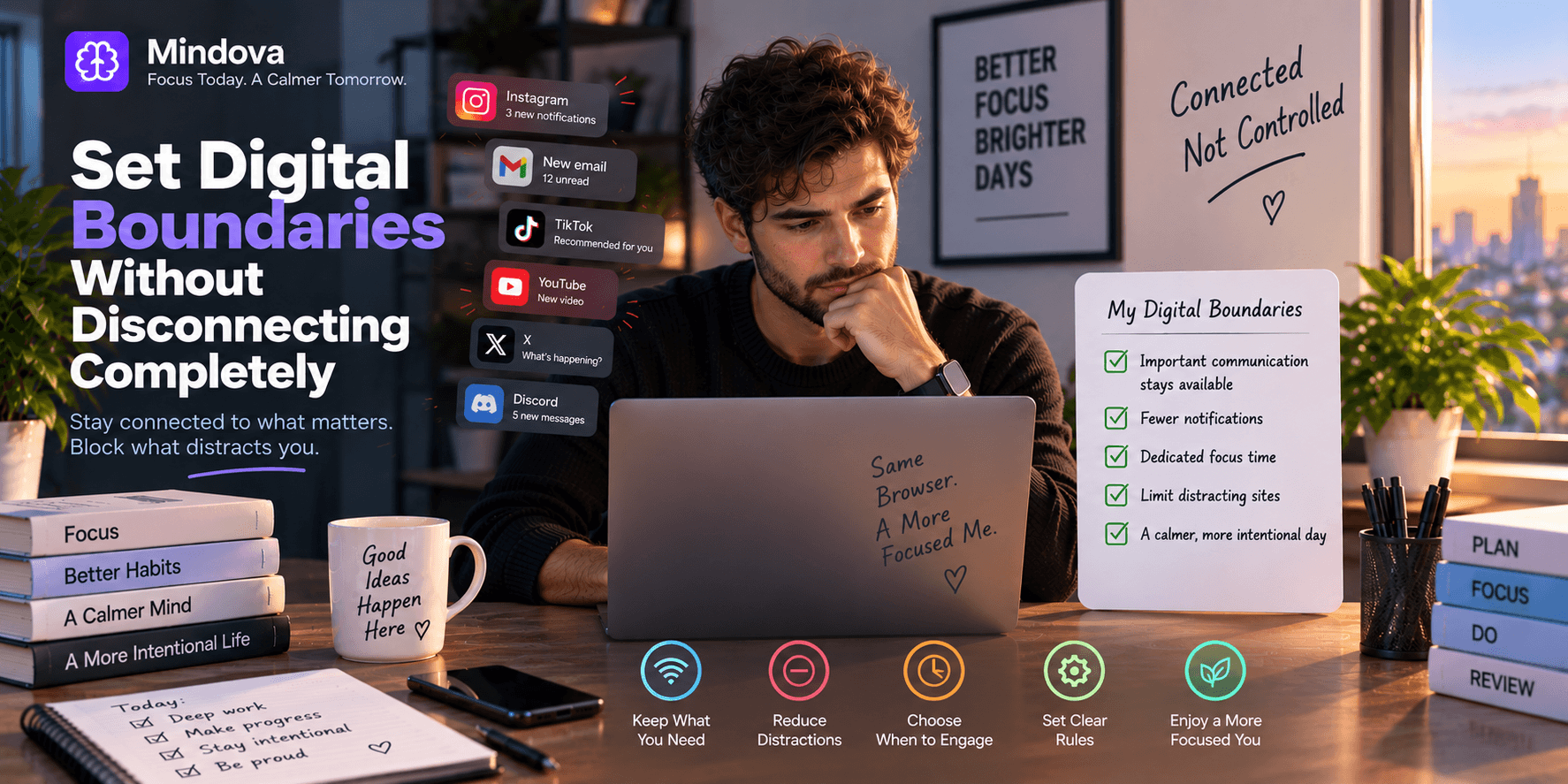
You do not have to disappear from the internet to protect your attention.
For many people, completely disconnecting is not realistic. Work happens in a browser. Teams use chat. Family members message you. Research, calendars, documents, maps, banking, and everyday communication all depend on being connected.
The problem is not connection itself.
The problem is when everything you are connected to gets equal permission to interrupt you whenever it wants.
Digital boundaries are practical rules for deciding what needs your attention now, what can wait, what should remain available, and when you want to engage with different parts of your digital life.
Quick answer: Start by deciding what genuinely needs immediate access to you. Keep important communication and required tools available, reduce unnecessary notifications, choose when to check things that can wait, and protect some periods from distracting browsing. A good digital boundary does not block technology for its own sake. It gives different digital demands different levels of access to your attention.
What are digital boundaries?
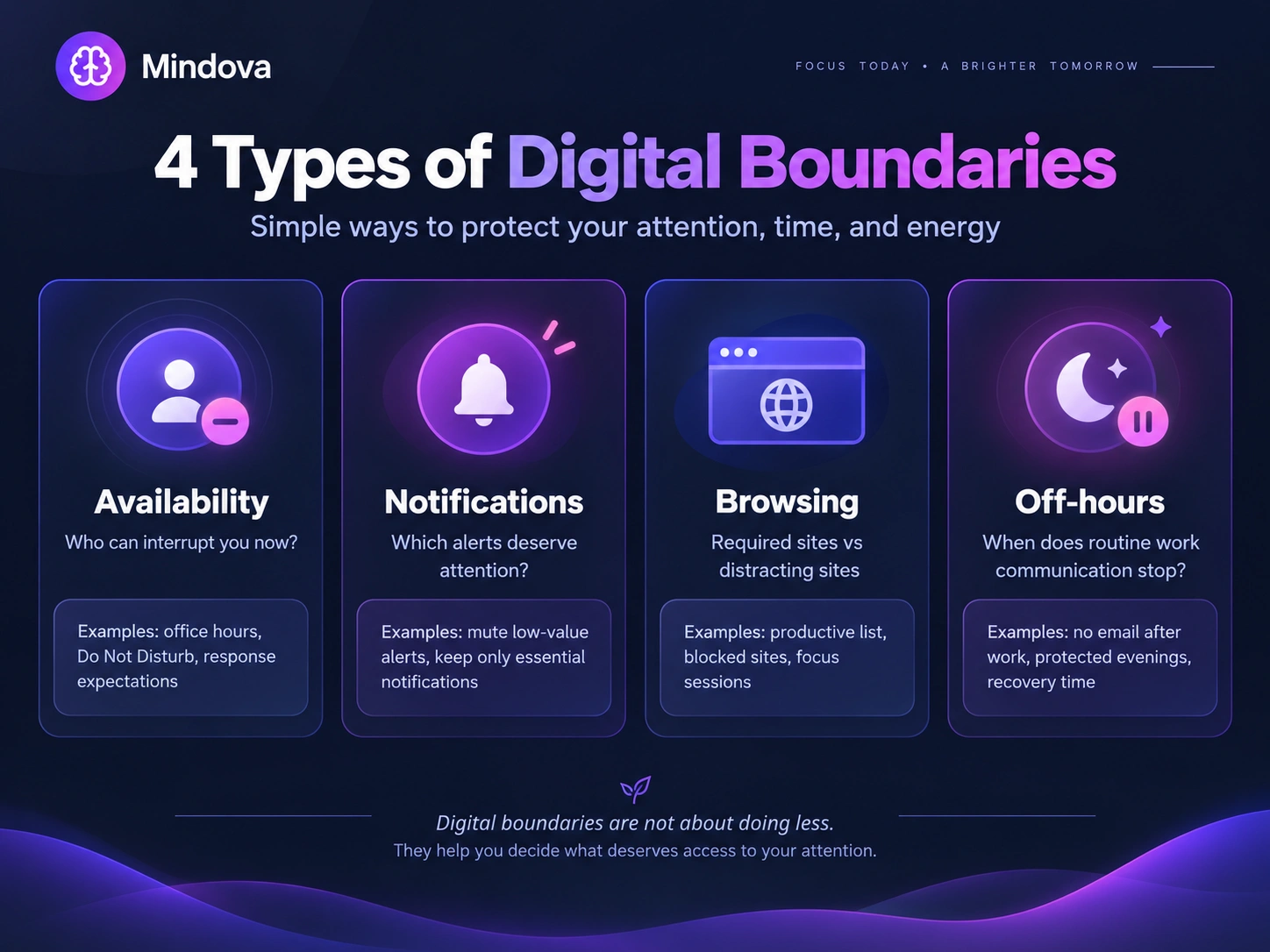
Digital boundaries are limits or rules around when, where, and how you use technology.
They can apply to:
- work messages;
- email;
- notifications;
- social media;
- distracting websites;
- availability outside working hours;
- focused work;
- entertainment;
- phone use during meals or conversations.
A digital boundary does not necessarily mean:
“I never use this.”
It can simply mean:
“I decide when I use this.”
That is what separates a practical boundary from an all-or-nothing approach.
You may still use YouTube every day while deciding that it does not belong inside a focused work session.
You may keep email available while deciding that every new message does not require an immediate response.
You may need Slack for work while still deciding when your working day is actually over.
1. Start with what genuinely needs immediate access to you
Before blocking anything, ask:
What actually needs permission to interrupt me?
The answer depends on your situation.
You might genuinely need immediate access to:
- calls from close family;
- an urgent client channel;
- security alerts;
- a time-sensitive work system;
- a small number of important contacts.
Other things may be useful without needing instant attention:
- newsletters;
- social-media reactions;
- shopping alerts;
- recommendations;
- non-urgent group chats;
- routine email;
- news notifications.
This distinction matters because digital boundaries should support your responsibilities, not ignore them.
A customer-support worker may need very different boundaries from a writer working alone on a report.
A parent may need their phone reachable even during focused work.
There is no universal “correct” level of availability.
2. Separate being reachable from responding immediately
A message can reach you without automatically becoming your next task.
This is particularly important with work communication.
Research on technology boundaries at work distinguishes between being digitally connected and allowing work-related technology to repeatedly cross into non-work time. Organizational expectations and perceived pressure to respond can matter alongside personal habits, so this is not always something an individual can solve simply by turning notifications off.
Read the research on digital work boundaries
If your work allows it, one option is to create deliberate communication windows.
For example:
Before a focused task
- check urgent communication;
- respond to anything genuinely time-sensitive.
During the task
- keep only channels you actually need available.
Afterward
- check messages again.
That does not mean everyone should batch communication.
A field study of 40 information workers found associations between some email-use patterns and perceived productivity, but the wider evidence on email batching and stress is mixed.
Treat scheduled checking as something to test, not as a productivity law.
3. Give notifications different levels of importance
Notifications are useful when the information really deserves immediate attention.
The problem is treating every alert as equally urgent.
Instead of simply asking:
“Should notifications be on or off?”
ask:
“Which notifications deserve interruption rights?”
You might keep:
- calendar reminders;
- security alerts;
- calls from selected people;
- alerts tied to genuinely urgent work.
You might silence:
- likes;
- promotional alerts;
- recommendations;
- marketing notifications;
- apps you already choose to check voluntarily.
The goal is not silence for its own sake.
It is selective interruption.
Even Apple’s Focus system is built around this general principle: users can silence notifications while allowing selected people or apps through instead of shutting everything down.
4. Create browser boundaries instead of blocking the whole internet
The browser is where the distinction between useful access and distracting access becomes especially important.
Start with two lists.
Websites this task requires
Depending on your work, these may include:
- Google Docs;
- project-management tools;
- research databases;
- official documentation;
- email;
- client systems;
- cloud storage;
- reference websites.
Websites you repeatedly open without needing them
These might include:
- Reddit;
- YouTube;
- Twitch;
- X;
- Instagram;
- news sites;
- entertainment sites;
- forums.
The objective is not:
Internet = bad.
It is:
Required access stays available. Predictable escape routes get boundaries.
That distinction is particularly useful for people whose work itself happens online.
For the blocking workflow itself, see How to Block Distracting Websites.
For the broader distraction-management strategy, see How to Avoid Distractions While Working.
5. Protect some tasks from unnecessary switching
Not every task needs isolation.
But some tasks become harder when you repeatedly leave them unfinished to deal with something unrelated.
Research by Sophie Leroy on attention residue found that when participants switched away from unfinished work, some attention could remain tied to the previous task and affect performance on the next one.
That does not mean every interruption destroys your concentration.
And there is no universal recovery-time rule that needs to be treated as a law.
The useful takeaway is narrower:
When one task needs sustained attention, reducing unnecessary switching may make it easier to remain engaged with it.
A practical boundary could therefore be:
“For the next 45 minutes, this report is my main task. The websites required for it stay available; unrelated browsing can wait.”
The duration itself is not scientifically special.
It is simply a boundary you chose for that task.
6. Define availability boundaries outside focused work too
Digital boundaries are not only about productivity.
Sometimes the problem is that work communication never clearly stops.
Email during dinner.
A Slack message while watching a movie.
One final dashboard check before bed.
A quick reply on Sunday afternoon.
Research on work-related digital communication has examined how technology can blur the boundary between working and non-working time, and boundary control remains an important part of that discussion.
If your role allows it, decide what “offline from routine work” means.
It could mean:
- routine email waits until tomorrow;
- non-urgent Slack is closed;
- work tabs are shut;
- unfinished tasks are captured somewhere instead of kept open mentally.
If your employer or role expects after-hours responsiveness, however, this may require a team or organizational conversation rather than a personal productivity trick.
A blocker cannot fix an unrealistic workplace expectation.
7. Communicate boundaries that affect other people
Some digital boundaries are private.
Nobody needs to know that you stopped checking YouTube during work.
Other boundaries affect how people communicate with you.
Those should usually be clear.
For example:
“I normally respond to non-urgent messages during working hours.”
or:
“If something is urgent, call me. I may not see chat immediately while I am working.”
Availability boundaries become more realistic when colleagues, managers, clients, or other people understand when responses should be expected.
A boundary that nobody else knows exists can easily turn into repeated misunderstanding.
8. Make legitimate exceptions deliberately
A boundary should help you make better decisions.
It does not have to eliminate decisions entirely.
Suppose YouTube is normally distracting during work.
Today you need a specific tutorial.
Opening that tutorial does not mean your boundary failed.
Compare:
Deliberate exception:
“I need this tutorial to finish the task.”
with:
Automatic drift:
“I opened YouTube without a clear reason and now I am watching something unrelated.”
The goal is not to create a digital prison.
It is to make the difference between necessary access and habitual access easier to notice.
9. Review boundaries instead of making them permanent by default
Your first rule may be wrong.
Maybe you blocked a website you genuinely need.
Maybe a daily limit works better than blocking it completely.
Maybe you silenced something that actually requires prompt responses.
Or perhaps the boundary is too weak to change the behavior you wanted to change.
After using a new boundary for a few days, ask:
- Did I miss anything important?
- Was I reachable when I needed to be?
- Which interruptions disappeared?
- Which distractions simply moved somewhere else?
- Did I keep overriding the same rule?
- Is the boundary solving the problem I created it for?
Then adjust it.
Effective boundaries do not have to be rigid.
They need to be clear enough to guide a decision.
Digital boundaries vs digital detox
A digital detox usually involves temporarily reducing or stopping certain types of digital use.
A digital boundary is an ongoing rule about how you use technology while it remains part of your life.
For example:
Digital detox
“I am taking the weekend off social media.”
Digital boundary
“I use social media after work instead of during focused tasks.”
They can complement each other, but they answer different questions.
If you are considering a temporary break, see Digital Detox: What It Is, Does It Work, and How to Try One.
Digital boundaries vs digital minimalism
Digital minimalism is broader.
It asks:
Which technologies deserve a place in my life in the first place?
Digital boundaries assume that some technology already has a useful place and ask:
When and how should it get my attention?
You can therefore keep email, social media, YouTube, messaging apps, and other digital tools while still setting boundaries around their use.
For the broader philosophy, see the Digital Minimalism Guide.
This distinction is important because setting a boundary does not require becoming a digital minimalist or taking a detox.
Where Mindova Fits
Mindova does not decide which people, messages, or technologies deserve your attention.
It does not manage your workplace communication policies.
And it does not automatically create recurring daily schedules.
Its role is narrower: helping you reinforce browser boundaries around distracting websites.
With Mindova, you can:
- block selected websites;
- set an Individual Site Limit for one distracting website;
- use a 0-minute Individual Site Limit when you want that site blocked;
- set an Overall Distraction Limit across sites classified as distracting;
- start a timed Focus Session when you want a more protected period;
- review browsing and focus insights;
- optionally use AI Nudges as contextual reminders that can encourage a return to your intended activity.
That means you can keep websites you genuinely need for work available instead of treating the entire internet as a distraction.
Mindova currently works as a desktop Chromium browser extension on supported browsers including Chrome, Edge, Brave, Opera, and Vivaldi.
It does not currently block native iPhone, Android, Windows, or macOS applications.
Frequently asked questions
What are examples of digital boundaries?
Examples include disabling non-essential notifications, choosing times to check routine messages, avoiding work email outside agreed working hours, limiting distracting websites during focused work, or keeping devices away from particular activities such as meals.
How do I start setting digital boundaries?
Start with one specific problem rather than trying to redesign your entire digital life.
For example:
Problem: “I keep opening Reddit while working.”
Then create one boundary specifically for that behavior.
Once you know whether it helps, move to the next problem.
Do digital boundaries mean disconnecting completely?
No.
The aim can be to remain connected to the people and tools you need while reducing access for things that do not require your attention at that moment.
Should I turn off all notifications?
Not necessarily.
Keep alerts that genuinely deserve immediate attention and reduce the ones that repeatedly interrupt you without providing time-sensitive information.
Should I check email only at fixed times?
Only if that fits your responsibilities.
Defined check-in windows may work well for some people, but evidence on email batching is mixed and some jobs require more frequent monitoring.
Are digital boundaries the same as digital minimalism?
No.
Digital minimalism is a broader philosophy about intentionally choosing which technologies deserve a place in your life. Digital boundaries are practical rules governing when and how technologies you already use get your attention.
Are digital boundaries the same as a digital detox?
No.
A digital detox is generally temporary. Digital boundaries are intended to work during ordinary connected life.
Can Mindova automatically schedule the same website block every day?
No.
Mindova currently supports timed Focus Sessions and website limits, but not recurring automatic daily focus schedules.
Does Mindova block mobile apps?
No.
Mindova currently focuses on websites inside supported desktop Chromium browsers rather than native mobile or desktop applications.
Stay connected on purpose
Digital freedom does not have to mean escaping technology.
A more practical version is having a say in when different parts of your digital life get access to your attention.
Keep important people reachable.
Keep necessary tools available.
Let genuinely urgent things interrupt you.
Let non-urgent things wait.
Protect some tasks when they need more concentration.
And change the rules when they stop fitting your actual life.
The objective is not to disconnect from everything.
It is to stop being equally available to everything all the time.
Mouhsine
Admin
Passionate about helping people achieve peak mental performance through evidence-based strategies and mindful technology use.
Related Articles

Digital Detox: What Is It, and Does It Actually Help?
Learn what a digital detox really is, what research says about its benefits, and how to reduce distracting technology without quitting every screen.

How to Temporarily Deactivate Facebook Without Deleting Your Account
Learn how to temporarily deactivate Facebook on mobile or desktop, what happens to your profile and Messenger, and how to reactivate your account later.

Digital Detox Retreats: Cost, Benefits, and Are They Worth It?
What happens at a digital detox retreat, how much does one cost, and is it worth paying for? Compare retreat types, evidence, downsides, and at-home alternatives.
Comments
Be the first to comment.
Ready to protect your focus?
Block distracting sites, set daily limits, and run focus sessions. Mindova is free.