Bloom vs Brick (2026): Which Physical App Blocker Should You Buy?
Written by Mouhsine
Admin
Published November 5, 2026 · Updated November 10, 2026
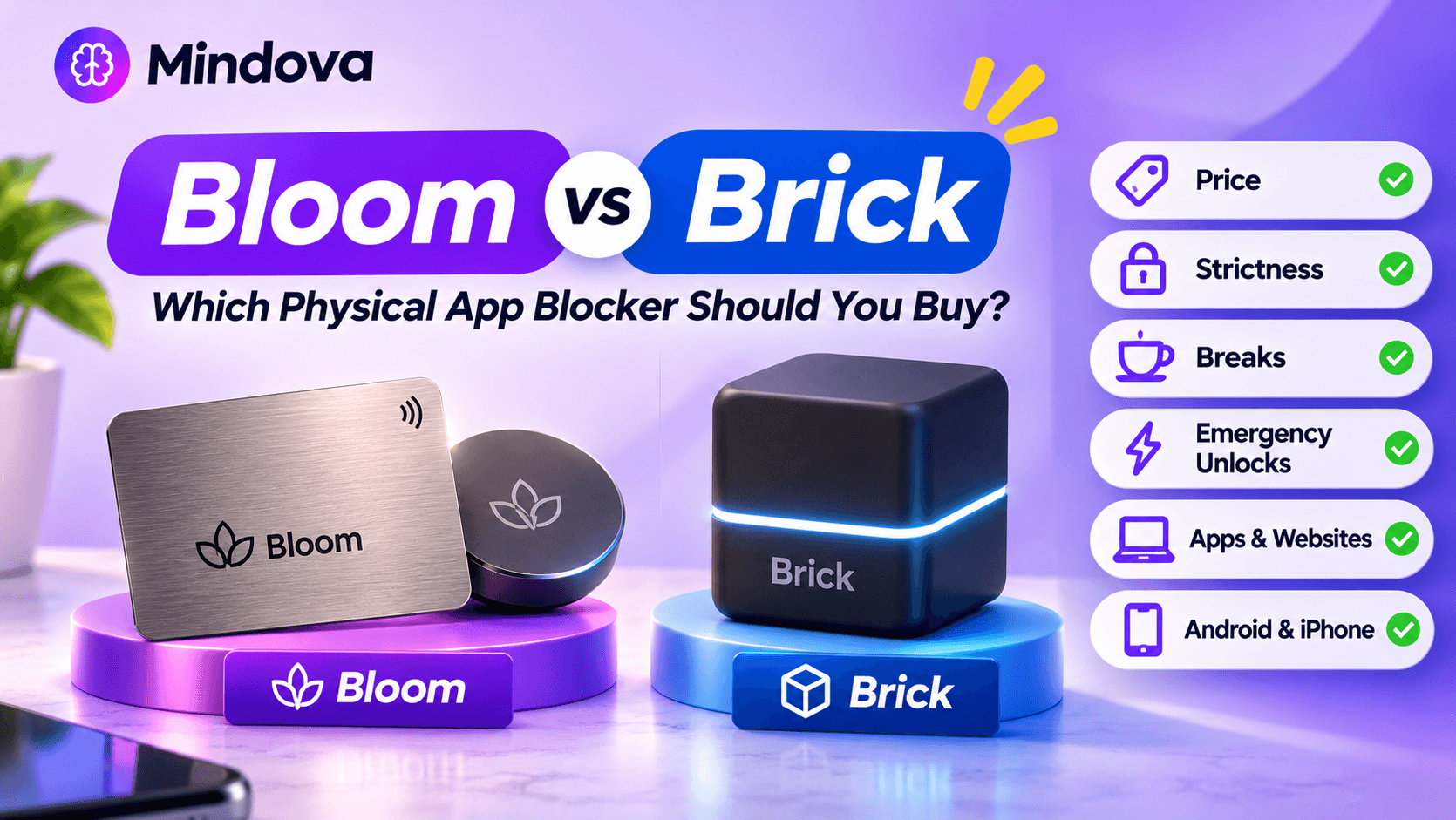
Bloom and Brick do the same basic job: you tap your phone on a physical object to lock your distracting apps, and you have to tap it again to unlock them. The hardware is close to identical (an NFC chip with no battery). What separates them is price, how strict the app is, and what happens when you need a way out.
This comparison uses each company's official website and FAQ, checked in November 2026.
Quick answer
- Choose Brick if you want the stricter experience: no built-in breaks, a fixed device you have to walk to, and only five Emergency Unbricks if you need to end a block early without it.
- Choose Bloom if you want to pay less ($39 for the card), block websites as well as apps, and allow yourself short 5-minute breaks.
- Choose neither if you would rather not buy hardware at all. An app with daily limits can be enough, and some are free to start (more on that below).
Bloom vs Brick at a glance
| Brick | Bloom | |
|---|---|---|
| Hardware | Magnetic cube | Steel card (wallet size), or a magnetic Pod |
| Price | $59 | Card $39, Pod from $59, Card + Pod set from $69 |
| Subscription | No | No (all app features included) |
| Android | Yes (Android 12+) | Yes |
| iPhone | Yes (iOS 18+) | Yes |
| Schedules | Yes | Yes |
| Breaks | None in the app (optional $39 Brick Break accessory) | 5-minute breaks |
| Emergency unlocks | 5 Emergency Unbricks (more on request) | 3 Emergency Exits, plus 1 more each month |
| Strict mode | Yes | Yes (prevents deleting apps during a focus session) |
| Websites | On iPhone, selected Safari sites | Websites and apps |
| Start a block without the device | Yes, from the app | Yes ("Activate Focus") |
| End a manual block early without the device | Only with an Emergency Unbrick | Only with an Emergency Exit |
Sources: Brick and Brick FAQ; Bloom products and Bloom FAQ. Prices can change, so check before buying.
Price: Bloom is cheaper to start
Brick costs $59 for one device. Bloom's card costs $39, its magnetic Pod starts at $59, and a set with both starts at $69. Neither charges a subscription, so the price you pay is the full cost.
Brick also sells Brick Night ($129), a separate Bluetooth device that blocks your chosen apps automatically when you get into bed. Winner on price: Bloom.
Strictness: Brick gives you fewer ways out
This is the real difference.
- Brick has no break feature in the app. Once your apps are blocked, the normal way out is to tap your Brick. Brick describes its approach as "flexible to start, strict to stop": you can start a block from the app, but ending it early needs the device. A scheduled block with an end time stops on its own (Brick support). Brick also sells Brick Break ($39), a separate pocket-sized accessory for a temporary unbrick when your main Brick is at home.
- Bloom includes 5-minute breaks, so you can use a blocked app briefly. That is useful if you need to check something quickly, but it also gives you a door back into the apps you blocked.
Reviewers notice this too. In ZDNET's Bloom Card review, the reviewer, a long-time Brick user, preferred Bloom's app and scheduling, but listed the breaks as a downside for anyone trying to cut screen time strictly. Winner on strictness: Brick.
What happens if you lose it or forget it?
Both companies give you an emergency option, but the rules differ:
- Brick: five Emergency Unbricks in the app that unblock all apps. You can ask Brick support for more.
- Bloom: three Emergency Exits, and you get one more every month.
If you often travel or forget things, Bloom's monthly refill is more forgiving. If you know you will "lose" the device on purpose, Brick's fixed number is tougher.
Card vs cube: where the hardware lives
The best setup for both is the same: keep the device away from where you use your phone.
- A cube (Brick) or Bloom's Pod stays in one place, like the fridge or a shelf, so unlocking means getting up.
- Bloom's card fits in a wallet. That is convenient, but if it is always in your pocket, the block is always one tap away.
Apps and websites
Bloom says it can block websites as well as apps, and it also lists "special blocking" options. Brick's FAQ says that on iPhone you can block any app (except Phone) and selected Safari sites from Apple's approved list, and on Android any app except Phone and your launcher.
Both offer schedules to start and stop blocking automatically, and both have a strict mode to stop you deleting the app or changing settings to escape a block.
Android and iPhone
Both work on Android and iPhone. Brick's FAQ lists Android 12 or later and iOS 18 or later, while its support page says iOS 17 or later, so check with Brick if your iPhone runs iOS 17. Bloom says it works on both platforms. On Android, if you are not sure your phone is supported, check the app's Google Play page before buying the hardware.
Which one should you buy?
Brick is for you if:
- you know you will abuse any break or "5 more minutes" option
- you want the device fixed in one place
- $59 is fine for you
Bloom is for you if:
- you want to spend less ($39)
- you want to block websites as well as apps
- you are happy to allow short breaks during the day
- you like the idea of an emergency exit that refills every month
Do you need hardware at all?
Disclosure: Mindova is our app. We did not test Bloom or Brick for this article; their details come from their official sites. The Mindova screenshots below are from our own phone.
A physical key works best when you want zero access. Many people want something different: less Instagram or YouTube, not none. For that, a daily limit can be enough, and you never need to remember where the card is.
Mindova for Android lets you give each app its own daily limit and set one Daily Distraction Limit for all of them together.
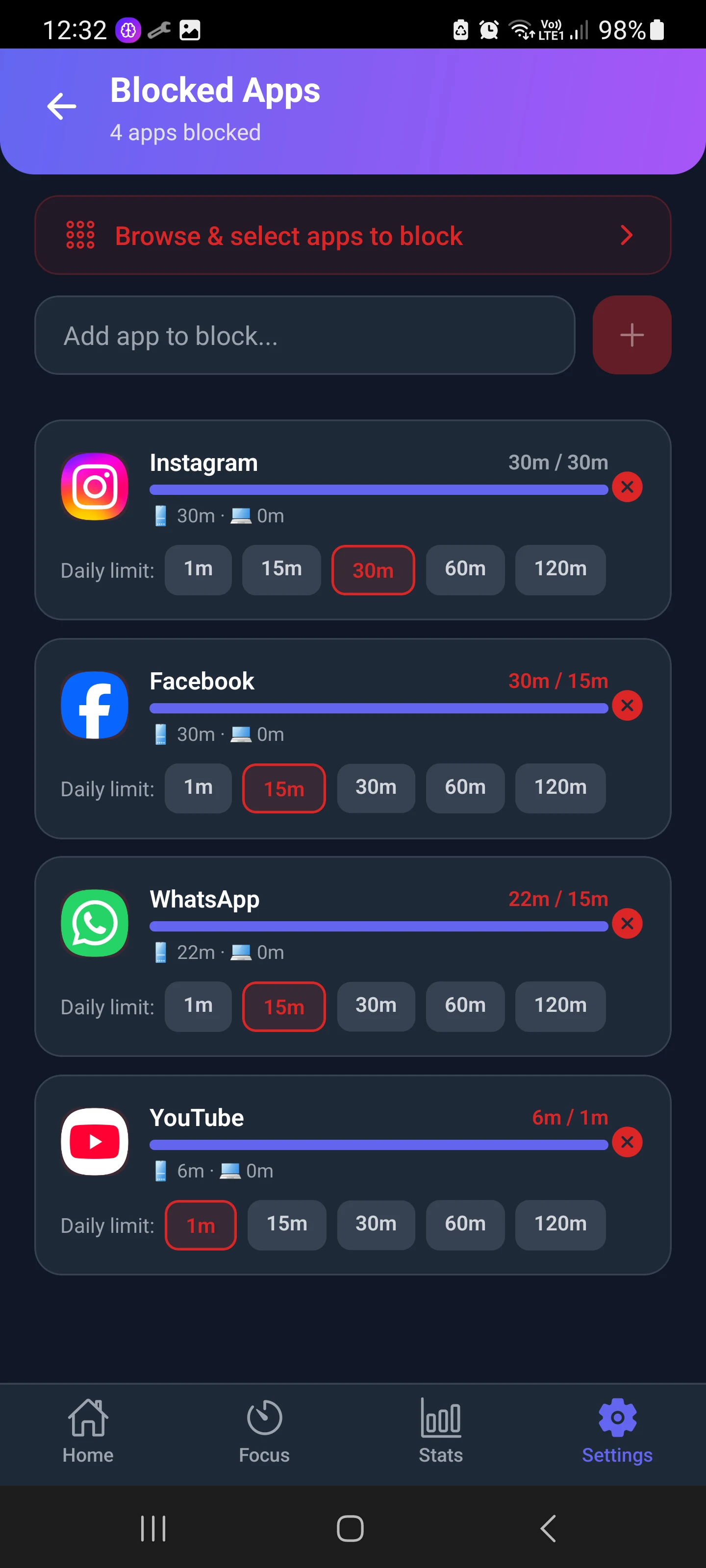
When you hit a limit, you can take 5 or 10 extra minutes, but each extension costs energy for Nova, the focus companion in the app. Like Bloom's breaks, it is a small door, but it makes you choose it.
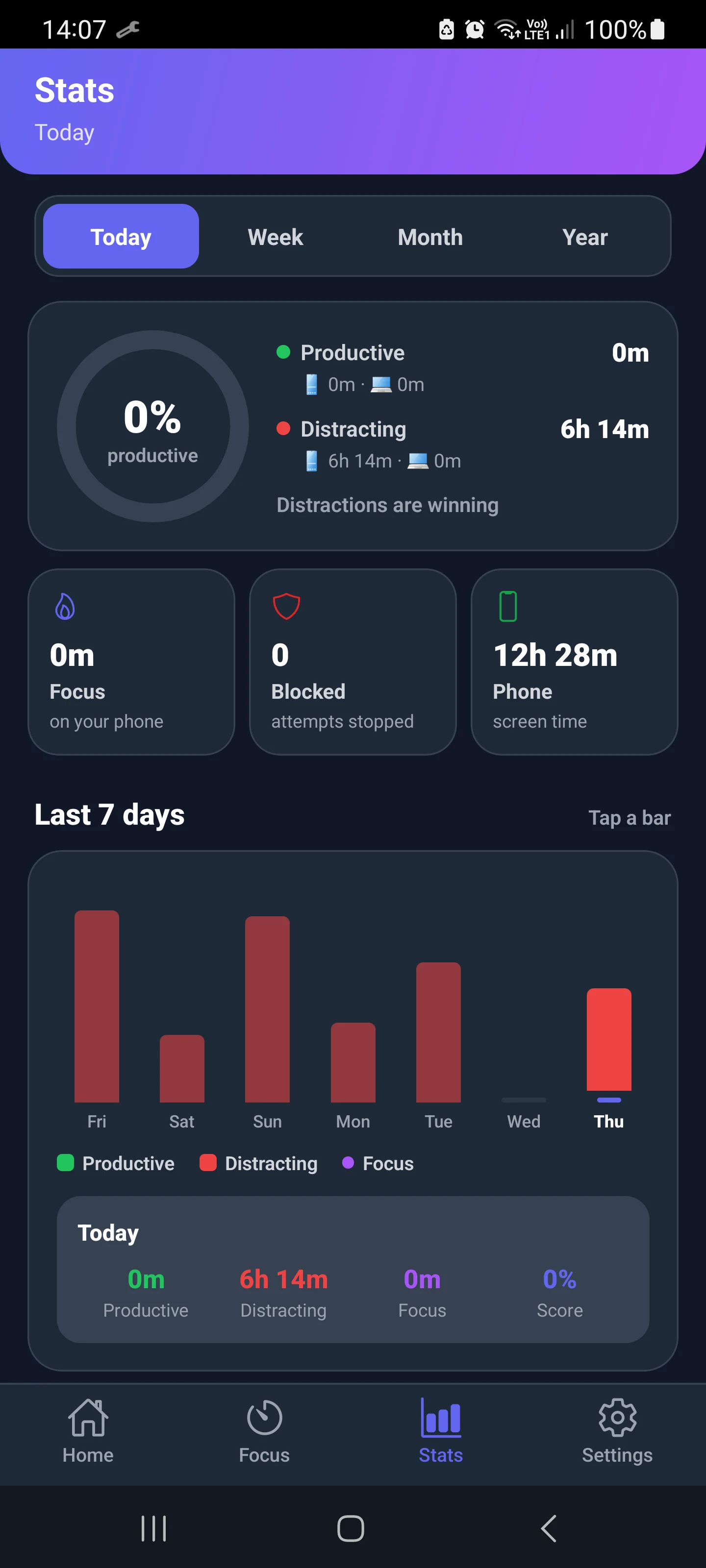
To be clear about the trade-offs: Mindova is not a hard lock like Brick and it does not use NFC. It does have a free plan (3 blocked apps on Android, 10 Focus Sessions a month, 7 days of stats). Pro costs $4.99/month or $39.99/year, with a 7-day free Pro trial. See Mindova pricing.

Block distractions. Stay focused with Mindova.
Block distracting websites and apps, set limits, and protect your focus time across your browser and phone.
Free plan, no credit card • Try Pro free for 7 days
For more options, including free NFC setups that work with any sticker, see our guide to Brick alternatives and our comparison of the best app blockers for Android.
FAQ
Is the Bloom card better than Brick?
It depends on what you need. Bloom is cheaper ($39), blocks websites, and has breaks and schedules. Brick is stricter because its app has no break feature: without the device, the only way to end a block early is an Emergency Unbrick (a scheduled block still ends at its set time).
Does Bloom need a subscription?
No. Bloom says the app is free with no hidden fees or subscriptions, and your purchase includes lifetime access to every feature.
Does Brick need a subscription?
No. Brick sells the device for $59 and the Brick app has no subscription.
Is a Brick phone blocker worth it?
It is worth it if you keep disabling software blockers and want a physical step between you and your apps. If you only want to use apps less, a cheaper card or an app with daily limits may be enough.
Do Bloom and Brick work on Android?
Yes. Brick lists Android 12 or later. Bloom says it works on both iPhone and Android.
What if I lose my Brick or Bloom?
Brick gives you five Emergency Unbricks and support can add more. Bloom gives you three Emergency Exits plus one more every month.
Bottom line
Brick and Bloom use the same idea and nearly the same hardware. Brick is the stricter choice, with no built-in breaks and a device that stays in one place. Bloom is cheaper, more flexible, and blocks websites too. If you want limits rather than a full lock, try a free app-based option first and buy hardware only if you keep breaking your own rules.
Less scrolling. More focused time.
Use Mindova to block distracting websites and apps, set daily limits, and create protected time for studying, working, or deep focus.
- Android AppBlock and limit distracting apps on Android.
- Browser ExtensionChrome, Edge, Brave, Opera & Vivaldi
- iPhone AppControl distracting apps and protect your focus on iPhone.


Start free — no credit card needed. Try Pro free for 7 days whenever you like.
Mouhsine
Admin
Passionate about helping people achieve peak mental performance through evidence-based strategies and mindful technology use.
Related Articles
How to Block the YouTube App on Android Without Deleting It
Block the YouTube app on your Android phone without deleting it. Use Digital Wellbeing app timers, Focus Mode, YouTube's Shorts limit, or Mindova.
How to Block X (Twitter) on Android Without Deleting It
Block the X (Twitter) app on Android without deleting it. Use App timers, Focus Mode, Mindova or Private DNS, with step-by-step instructions.
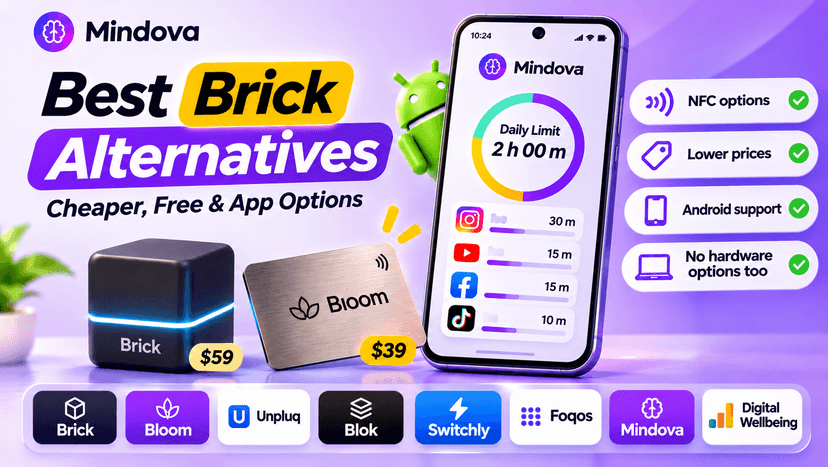
Brick Alternatives (2026): Cheaper and Free Ways to Block Apps on Android
Brick costs $59 and needs a puck you tap. Compare cheaper NFC cards, free open-source blockers and app-only options for Android, with official prices and honest trade-offs.
Comments
Be the first to comment.