Cutting Call Interruptions From Your Focus Time
Mindova Team
Admin
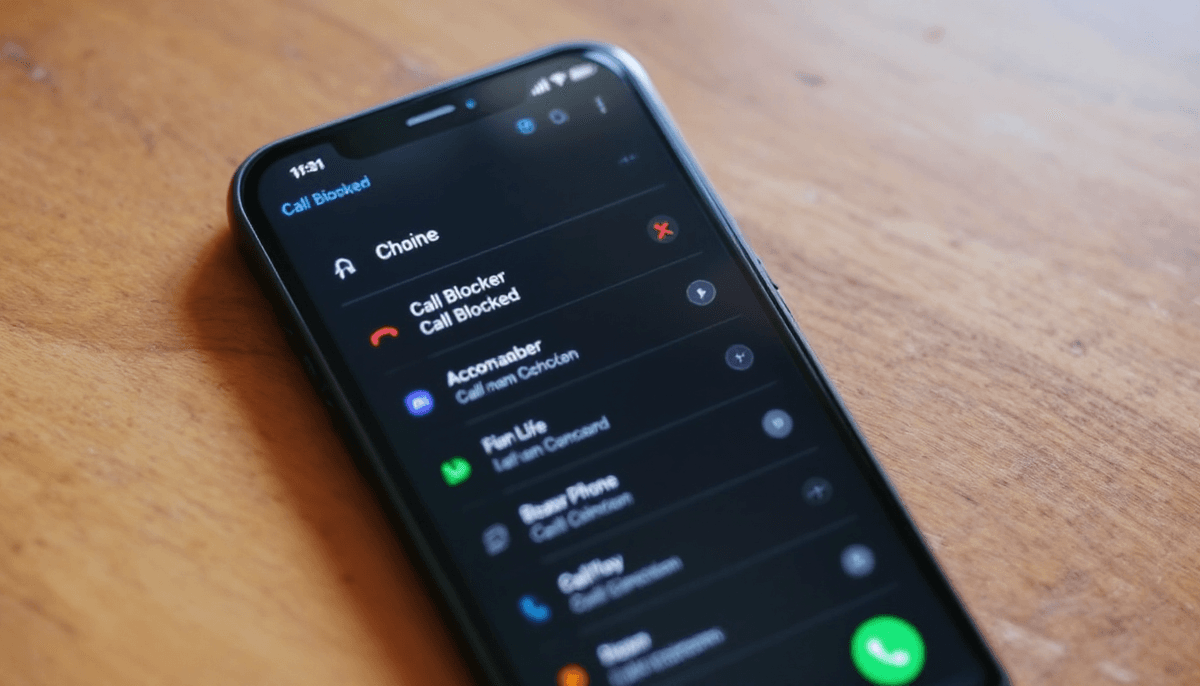
When your phone keeps interrupting the work
You sit down for an hour of real focus. Ten minutes in, the phone buzzes: an unknown number, almost certainly spam. You decline it, but the damage is done. You've been pulled out, and getting back into the task takes longer than the call ever would have. Then a notification. Then another. For something meant to help you concentrate, the phone spends a lot of its time breaking your concentration.
Cutting these interruptions is less about one magic app and more about closing the doors one by one: the calls, the spam, and the pings that come from the apps themselves. Here's how to get a quiet stretch of time you can actually think in.
Silence the calls you didn't ask for
Most interrupting calls aren't people you know. They're spam, robocalls, and numbers you'd never pick up on purpose. The good news is you don't need anything exotic to shut them out.
Use what your phone already gives you
Both iOS and Android have built-in tools that do most of the work:
- Silence unknown callers. Calls from numbers not in your contacts go straight to voicemail without a ring. Anyone real can leave a message; the spam just disappears.
- Do Not Disturb and Focus modes. Schedule a window where only your chosen contacts can ring through. Everything else stays quiet until you're done.
- Carrier spam filtering. Most carriers now flag or block known spam numbers before they ever reach you. It's usually a setting or a free add-on worth turning on.
Set these once and a huge share of the interruptions vanish without you doing anything in the moment.
Protect the window, not the whole day
You don't have to go unreachable forever; that's why people abandon strict setups. Just protect the block of time you've set aside for deep work. Let the important people through, send the rest to voicemail, and deal with it all at once when you surface. A missed spam call costs you nothing. A missed hour of focus costs you the task.
The bigger source of interruptions is on the screen
Be honest about where most of your interruptions actually come from. It's rarely the phone ringing. It's the steady drip of notifications and the pull of the apps themselves. You silence the calls and still find yourself ten tabs deep, or back in a feed you didn't mean to open. That's the part a call blocker can't touch, and it's usually the bigger drain.
This is where a website and app blocker does the heavy lifting. Mindova works on the screen side of the problem: it shuts the distracting apps and sites during the time you've set aside to concentrate.
Block the apps and sites during focus time
Set a focus schedule and the time-sink apps and sites are simply closed while you work, then open again when you're done. Nothing to glance at, nothing to resist. You decided once, ahead of time, instead of fighting the urge every few minutes.
Let locked mode hold the line
The hardest interruption is the one you cause yourself: the reflexive reach for a feed the second the task gets hard. Mindova's locked mode is made for that. Once a session is running, you can't casually switch the block off because you got restless, so the impulse passes instead of winning. It pushes back at your weakest moment, which is exactly when you need it to.
Replace the pull with a reminder
When you do try to open something you've blocked, Mindova meets you with a nudge instead of the app, a small reminder of what you sat down to do. Often that's all it takes to turn back. Over a day, those redirected moments add up to a lot of recovered focus.
Batch the interruptions you can't kill
Some pings are legitimate. Your team really does need you sometimes. The fix isn't to stay on call every second; it's to gather those interactions into windows. Pick two or three times a day to handle messages, and close the apps in between. Tell people that's how you work, so a delayed reply stops feeling like a problem. The genuine emergencies have a faster way to reach you; everything else can wait an hour.
Do the same with your own stray thoughts. When "I should check that" hits mid-task, jot it down instead of chasing it, and handle the list at your next break.
See what's really breaking your focus
You probably can't name your biggest interruption off the top of your head. Maybe it's not the calls at all. Maybe it's the one app you open without thinking every time you stall. Mindova's analytics show where your time and your slips actually go, so you can aim your blocks at the real culprits instead of guessing. Across your devices, the picture stays in sync, so the boundary holds whether you're at your desk or on your phone.
Start with one quiet hour. Silence unknown callers, switch on a focus schedule, and let locked mode keep it. A day you can think in isn't built by answering faster — it's built by being interrupted less.
Put this into practice with Mindova
Mindova is a website and app blocker that turns these ideas into daily habits — set focus schedules, block distracting sites and apps, and track your progress across every device.
- Block distracting websites and apps in seconds
- See pricing — start free, no credit card required
- Get started free and reclaim your focus today
- Block specific apps: Block LinkedIn
Mindova Team
Admin
Passionate about helping people achieve peak mental performance through evidence-based strategies and mindful technology use.
Related Articles

How to Deactivate Facebook for Focused Work
A plain walkthrough of deactivating Facebook the right way, so your account waits quietly while you get real work done.
Context-Aware Nudges That Protect Deep-Focus Time
How personalized, situation-aware nudges guard your deep-work blocks instead of interrupting them.

How to Set Up Focus Nudges That Actually Stick
A step-by-step setup for focus reminders that catch you before a quick check turns into a lost hour.
Ready to Boost Your Productivity?
Join thousands of users who have transformed their focus with Mindova.