How to Focus on Writing Without Digital Distractions
Written by Mouhsine
Admin
Published September 7, 2026

Writing online creates a strange problem: the same browser you need for research, references, documents, and collaboration also gives you instant access to everything that can pull you away from the page.
That is why “just block the internet” is not very useful advice for many writers. You may genuinely need Google Docs, academic papers, documentation, a dictionary, interview notes, or source material.
The goal is not to remove the internet. It is to make a clearer distinction between what the writing requires and what you open when you want to escape the writing for a moment.
A better writing setup does three things:
- defines what kind of writing session you are doing;
- keeps necessary resources available;
- makes unrelated browsing harder to fall into automatically.
Quick answer: Decide whether your next session is for drafting, research, or editing. Keep only the tools needed for that stage. When something needs checking, note it and continue if the draft does not depend on the answer immediately. If you repeatedly leave the document for the same distracting websites, block or limit those specific sites during the session.
Why digital distractions feel especially disruptive while writing
Writing is not just typing. While drafting a paragraph, you may be holding several things in mind at once: the point you are trying to make, how the current sentence connects to the previous one, what evidence still needs to be added, what comes next, and how the section fits the larger argument.
Leaving the draft for something unrelated means switching away from that mental context and rebuilding it when you return.
Research by Sophie Leroy on attention residue found that people can remain partly mentally occupied with a previous task after switching to another, particularly when the first task is unfinished. That lingering attention can interfere with performance on the next task.
That does not mean one browser tab ruins your concentration. It does mean that repeated, unnecessary switching can make it harder to give the writing your full attention.
The practical goal is not perfect concentration. It is fewer avoidable transitions.
1. Decide what kind of writing session you are starting
“Work on the article” is too vague.
Before opening another tab, decide what the next session is actually for.
For example:
- Draft the introduction.
- Write sections two and three.
- Research three specific claims.
- Verify citations.
- Turn the outline into a rough draft.
- Rewrite the conclusion.
- Edit for clarity.
- Add examples.
Different stages need different environments.
A research session may require many browser tabs. A drafting session may need only the document, your notes, and a few references you already collected.
The problem starts when every stage happens at the same time. You draft one sentence, search for a source, notice another article, open email, return to the draft, edit the first paragraph, search again, then check a feed because the next sentence feels difficult.
The writing has not disappeared, but the session no longer has one job.
2. Separate drafting from research when possible
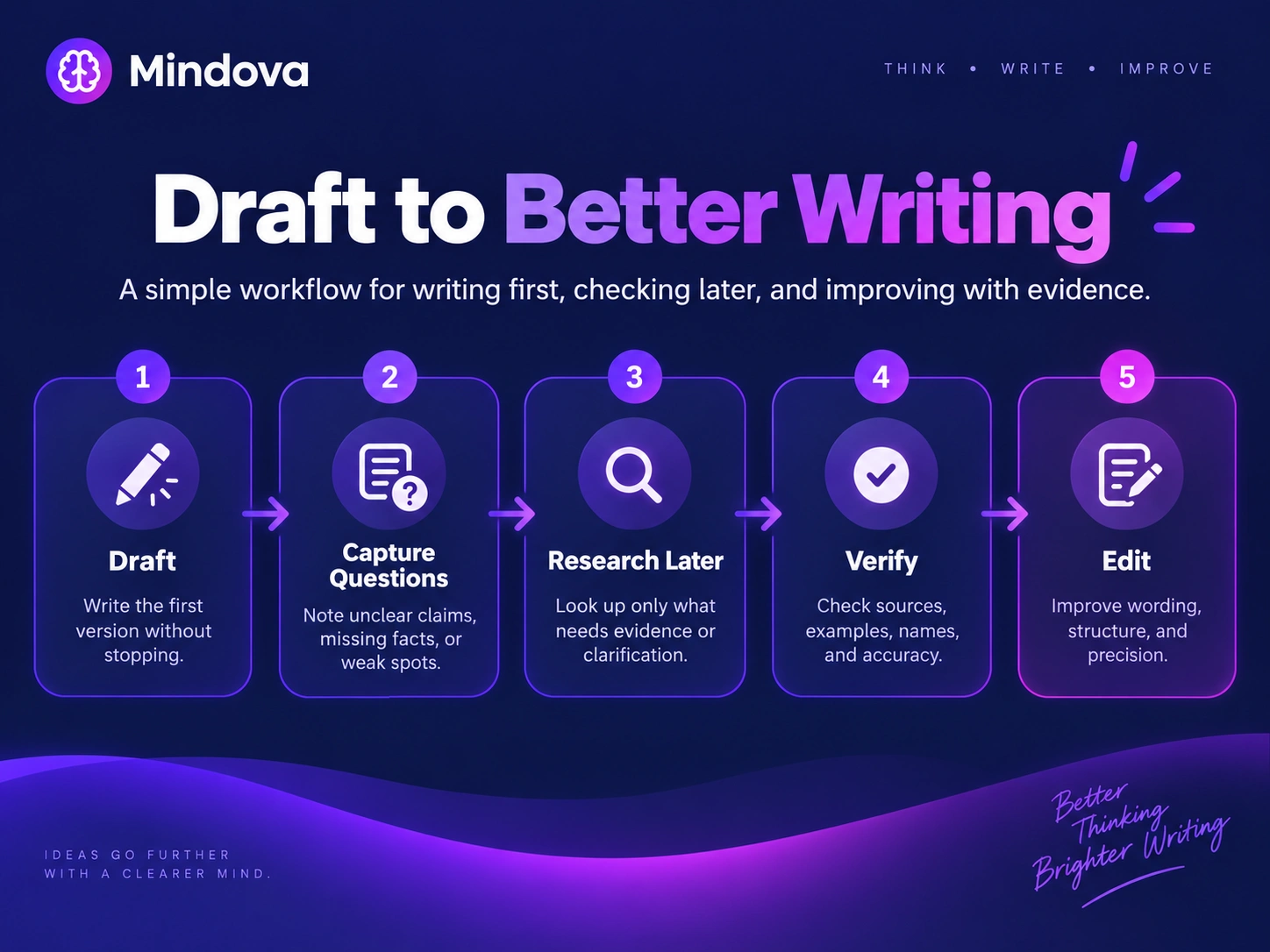
Research is part of writing, but it does not always need to happen the moment a question appears.
Suppose you are drafting a section about digital interruptions and realize that one claim needs stronger evidence. If the next paragraph does not depend on that evidence immediately, add the question to your research notes and continue drafting.
Later, during a dedicated research pass, return to the unresolved claims and verify them deliberately.
This protects an important distinction:
Intentional research is part of the work. Unplanned browsing is not always research just because it starts with a search query.
If you genuinely need the information before you can continue, research it immediately. The goal is not to postpone necessary work. It is to stop every small uncertainty from automatically turning into a long browser detour.
3. Keep a “research later” list
A simple side note can remove a surprising amount of unnecessary switching.
When the draft creates a question that does not need an immediate answer, capture the question in plain language.
For example:
Research later
- Find the original study on attention residue.
- Verify the publication date of the report.
- Confirm whether the product feature is still current.
- Find a stronger example for the next section.
- Check whether the statistic is still accurate.
Then return to the draft.
You have not ignored the question. You have moved it to the right stage of the process.
When the drafting session ends, that list becomes your research agenda.
4. Keep necessary websites available
A writer's browser is not automatically the enemy.
You may need:
- Google Docs
- Notion
- Google Scholar
- official documentation
- dictionaries
- source websites
- academic databases
- client material
- reference images
Blocking those resources would make the writing harder.
Instead, identify two separate groups.
Required resources
These are websites that help you complete the current writing task.
Predictable escape routes
These are websites you repeatedly open even though they are unrelated to what you are writing.
For one person that might be Reddit. For another it might be YouTube, X, Twitch, Instagram, news sites, or a discussion forum.
The useful question is not:
“Should I block the internet?”
It is:
“Which parts of the internet does this writing session actually need?”
For a broader strategy, see How to Avoid Distractions While Working.
5. Give the session a concrete finish line
“Write for two hours” gives you a duration. It does not necessarily give you a destination.
A clearer target could be:
- Draft 500 rough words.
- Finish the first main section.
- Turn three outline points into paragraphs.
- Resolve every item on the research list.
- Rewrite the opening.
- Verify five citations.
The target does not need to be a word count. Some writing tasks are difficult because of thinking, not volume.
One strong paragraph can matter more than 1,000 unfocused words.
Choose a finish line that matches the stage you are in.
6. Do not treat every difficult moment as a research problem
Writing gets uncomfortable.
A sentence feels wrong. You do not know what comes next. The argument is weaker than you expected.
That is often the moment when another tab suddenly looks useful.
Before leaving the document, ask:
What exactly is blocking the next step?
Possible answers include:
- I do not know what this section is supposed to prove.
- I genuinely need more evidence.
- The outline is weak.
- I am editing before the idea is finished.
- I am tired.
- I know what to write, but I am avoiding it.
Each problem needs a different response.
If the argument is unclear, return to the outline. If evidence is genuinely required, research it. If you are tired, take a break. If you already know the next sentence but keep opening Reddit instead, changing the browser environment may help.
A blocker can remove a distraction. It cannot decide what your argument should be.
7. Use a writing interval that fits the task
There is no universal scientifically perfect writing-session length.
You do not have to write for exactly 25 minutes, and you do not have to force yourself through very long sessions either.
A short timed session can make starting easier. A longer period may be useful when you are already immersed in a difficult section. Research may need a different rhythm from editing.
The useful question is:
How much uninterrupted time does this task realistically need?
If you like working with timers, use them as structure rather than as a rule.
For more on timed work sessions, see Pomodoro Technique: How It Works and How to Use It.
For demanding work that benefits from longer stretches of concentration, see What Is Deep Work and How Do You Practice It?.
8. Make breaks different from distraction
A break from writing does not have to become a feed.
You can stand up, get water, walk, stretch, look away from the screen, make coffee, or simply move somewhere else for a few minutes.
The point is not that social media is forbidden during breaks. The point is that opening a feed every time writing becomes difficult can turn a short pause into a completely different activity.
Try making the break a deliberate choice instead of the default result of leaving the document.
How to focus when writing an essay
Essay writing makes the research-versus-drafting problem especially obvious.
A simple workflow is:
Understand the question
Write the question or central argument at the top of the document. Be clear about what the essay needs to answer.
Build the outline
Decide what each section needs to establish. Do not worry about perfect sentences yet.
Research the outline
Collect enough credible material to begin. Research should support the argument, not indefinitely postpone drafting it.
Draft from what you already have
Move through the structure using the evidence and notes you already collected.
Capture missing research
Keep one list of unresolved questions instead of automatically launching a new search every few sentences.
Verify
Run a separate pass for:
- claims;
- sources;
- names;
- dates;
- quotations;
- citations;
- links.
Edit after the argument exists
Improve clarity, transitions, structure, and wording once you have something substantial enough to edit.
This gives every stage a job instead of letting all of them compete for your attention at once.
What if you genuinely need the internet while writing?
Use it.
Online research is not a failure of focus.
If you need documentation, open the documentation. If you need a source to make a claim responsibly, find the source. If you are comparing evidence, compare it.
The more useful distinction is:
Did I open this because the writing requires it, or because I wanted to leave the writing?
Sometimes the answer will be obvious. Sometimes it will not.
But asking the question creates more awareness than treating every browser tab as equally distracting.
Where Mindova Fits

Mindova does not write for you. It does not choose your argument, research your sources, or decide whether a sentence is good.
Its role is narrower.
If you repeatedly leave your writing for distracting websites in a supported desktop browser, Mindova can help you add friction to those specific routes.
You can use Mindova to:
- block selected websites;
- set an Individual Site Limit for a distracting site;
- use 0 minutes when you want that website blocked;
- set an Overall Distraction Limit across sites you classify as distracting;
- start a timed Focus Session for a writing period;
- review browsing and focus insights;
- optionally use AI Nudges as contextual reminders that can encourage a return to your intended activity.
That means you can keep research tools and writing resources available instead of blocking everything.
Mindova currently works as a desktop Chromium browser extension on supported browsers including Chrome, Edge, Brave, Opera, and Vivaldi.
It does not currently block native mobile apps or desktop applications.
If you are new to Mindova, see the Mindova Setup Guide.
Frequently asked questions
How can I focus better when writing?
Define one writing task before you begin, such as drafting, researching, or editing. Keep the resources required for that stage available and remove unrelated digital distractions that repeatedly pull you away.
How do I stop getting distracted while writing?
Start by identifying what happens immediately before you leave the document. If you repeatedly open the same websites, limit or block those specific sites. If the real problem is an unclear argument or missing research, solve that instead.
Should I turn off the internet while writing?
Not necessarily.
Many writers need online tools, research, documentation, or source material. It is often more practical to keep required resources available while restricting unrelated browsing.
How can I focus when writing an essay?
Separate the process into stages: understand the question, outline, research, draft, capture missing information, verify, then edit. This reduces the temptation to interrupt the draft for every fact that can safely be checked later.
Is there an ideal writing-session length?
No single session length is optimal for everyone or every writing task.
Use a period that is realistic for the work in front of you, then adjust based on how well it helps you make progress.
Can website blocking fix writer's block?
No.
Writer's block can involve unclear ideas, perfectionism, missing research, uncertainty, fatigue, or difficulty getting started.
Website blocking only addresses one narrower problem: repeatedly leaving the writing for distracting websites.
Make the browser serve the writing
You do not have to choose between using the internet and being able to focus.
For many writers, the internet is part of the job.
The more useful approach is to give each stage of writing a clearer boundary:
Draft when you are drafting.
Research when you are researching.
Capture questions instead of chasing every one immediately.
Keep required resources available.
Make unrelated escape routes harder to reach.
You will still get stuck. You will still need to look things up, and no blocker can make difficult writing effortless.
But when the browser stops pulling you in five directions at once, the document gets more of your attention.
Mouhsine
Admin
Passionate about helping people achieve peak mental performance through evidence-based strategies and mindful technology use.
Related Articles
Creative Block: How to Get Unstuck and Start Creating Again
Feeling creatively stuck? Learn what creative block can look like, how to identify what is stopping you, and practical ways to generate ideas and move forward
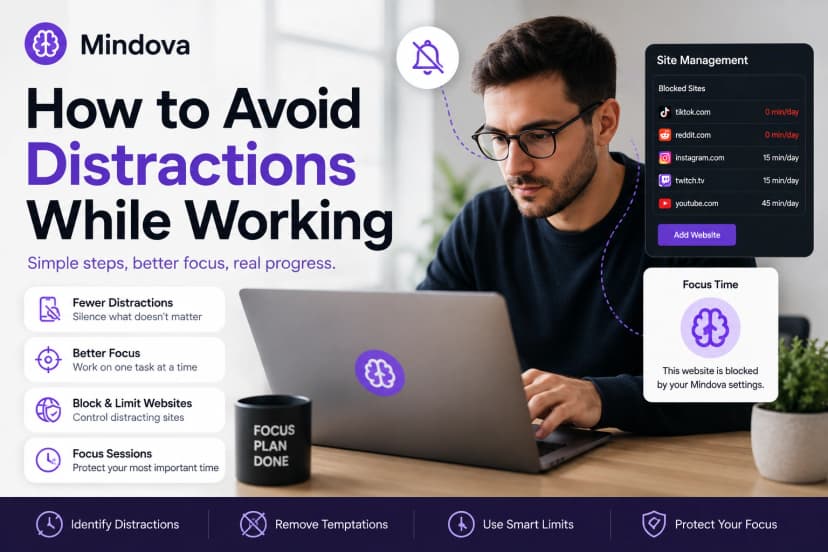
How to Avoid Distractions While Working: 10 Practical Strategies
Learn how to avoid distractions while working by reducing digital triggers, managing notifications, limiting distracting websites, and protecting focused work time.
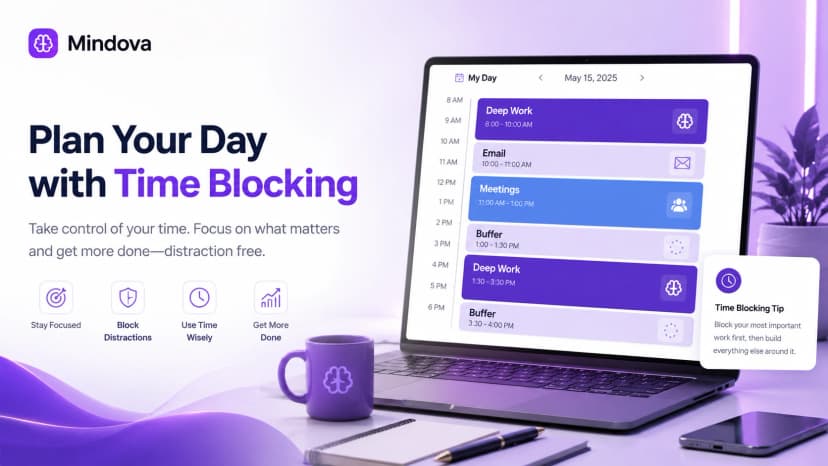
Time Blocking: How to Plan Your Day and Protect Your Focus
Learn how time blocking works, how to build a realistic daily schedule, use buffers and task batching, protect focus time, and adjust when plans change.
Comments
Be the first to comment.
Ready to protect your focus?
Block distracting sites, set daily limits, and run focus sessions. Mindova is free.