7 Benefits of Blocking Distracting Websites and Apps
Written by Mouhsine
Admin
Published November 4, 2026 · Updated November 10, 2026
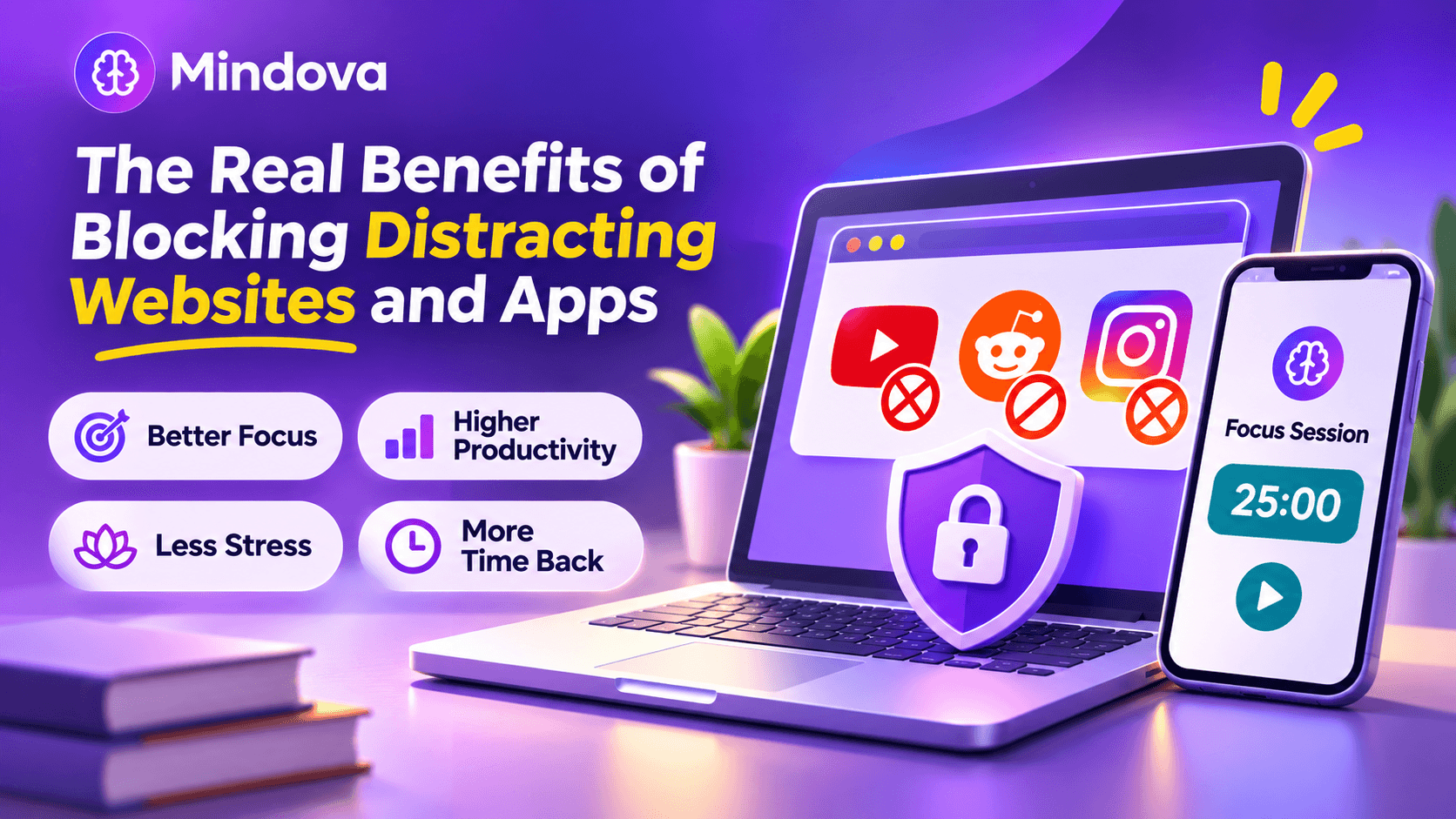
You open a new tab to check one thing, and twenty minutes later you are scrolling Reddit, YouTube or Instagram. Blocking distracting websites and apps sounds like a blunt fix, but it works for a simple reason: it removes the easiest escape route before you have to fight it.
This guide explains the main benefits of blocking distracting websites and apps, what the research says, and where blockers stop helping.
Quick answer: The main benefits of blocking distracting websites and apps are fewer interruptions, longer periods of focus, less task switching, less stress from fragmented work, less pull from your phone, more time back in your day, and a healthier relationship with social media. Blockers work best for predictable distractions, and when you limit, rather than ban, the sites you still need.
What are the benefits of blocking distracting websites and apps?
Here are seven benefits, with the research behind them where it exists.
1. You remove the temptation instead of fighting it
Most distracting visits are not real decisions. You type the first letters of a site out of habit, or reach for your phone during a short pause.
A blocker turns that automatic action into a moment of friction. You can still choose, but you choose with a second to think, instead of relying on willpower every single time.
2. You stay focused for longer and feel more productive
In an exploratory one-week field study of 32 information workers by researchers from UC Irvine and Microsoft Research, online distractions were blocked on participants' work computers. With distractions blocked, participants rated their focus and productivity significantly higher than without blocking (Mark, Czerwinski and Iqbal, CHI 2018).
The effect was not the same for everyone: people who felt less in control of their work benefited most, while people who felt more in control reported a higher workload with distractions blocked. That is why the right setup matters as much as the tool.
3. You switch tasks less, so your attention stays on the work
A quick detour rarely costs only the minutes you spend on it. When you leave a task unfinished, part of your attention stays with it. Researcher Sophie Leroy called this attention residue and found that it lowers performance on the next task (Leroy, 2009).
Fewer detours to social media or news means fewer half-finished switches, and less residue pulling at your attention.
4. Your work feels less fragmented and less stressful
Interruptions do not only slow you down. In a study of interrupted work, people compensated by working faster, but they reported more stress, frustration and time pressure (Mark, Gudith and Klocke, CHI 2008).
You cannot block every interruption, but blocking the ones you start yourself removes a steady source of fragmentation from your day.
5. Your phone pulls less of your attention
Distraction is not only about what you open. In one experiment, simply receiving a phone notification, without reading it, disrupted performance on an attention task (Stothart, Mitchum and Yehnert, 2015).
In another study, people whose phone was in another room did better on working-memory tests than people whose phone was on the desk (Ward and colleagues, 2017).
These studies did not test app blockers. They suggest that fewer notifications and less pull from your phone can help your focus, and blocking or limiting your most distracting apps is one way to get there.
6. You get real time back
Small visits add up. A daily limit makes the total visible: when your 20 minutes of YouTube run out at 11 a.m., you notice how quickly they went.
For many people, the biggest benefit is not the block itself. It is seeing their usage clearly and deciding what it is actually worth. Mindova's Analytics shows your browsing activity, so you can see which sites take the most time before you decide what to limit.
If YouTube is your biggest time sink, see how to block YouTube or set a daily limit.
7. You build a healthier relationship with social media
In a large experiment, people paid to deactivate Facebook for four weeks spent more time on offline activities and reported small but meaningful improvements in their well-being (Allcott and colleagues, 2020).
That study tested quitting Facebook completely, not daily limits, so it does not show how much a limit helps. Limiting the apps and sites that leave you feeling worse is a smaller step you can try first.
Benefits of blocking distracting apps on your phone
Phone apps are designed for quick, repeated checks, so the benefits of blocking them are often felt faster than on a computer:
- Fewer reflex checks during work, study or conversations.
- Less late-night scrolling, which protects your wind-down time.
- Fewer interruptions: some tools, such as Android App timers, also pause notifications from apps that hit their limit.
- Less switching between devices: blocking a site on your laptop only works if you do not simply pick up your phone instead.
If you use Android, see how to block apps on Android or how to block the Instagram app on Android.
Do website blockers actually work?
Yes, for predictable distractions, but they are not magic. Keep these limits in mind:
- They can be bypassed. Most blockers can be switched off, and another device or another website is always close by.
- They do not fix the cause. Fatigue, an unclear task, interruptions from other people, or getting stuck on difficult work can still break your concentration.
- Blocking too much backfires. If a website is also useful for work or study, a total block often ends with you switching the blocker off. A daily allowance is usually more practical.
The useful question is not simply whether blocking works. It is whether a specific website is one of the predictable distractions you want to make less accessible.
How to get the benefits without blocking what you need
- List your top three to five predictable distractions. These are the sites and apps you open without deciding to.
- Choose block, limit or allow for each one. Block what you never need during the day, give a daily limit to sites you sometimes need (such as YouTube for tutorials), and keep your work tools allowed. In Mindova, for example, a site set to 0 minutes/day is blocked on every visit, while a higher limit gives you a daily allowance.
- Use stricter focus periods for deep work. Schedule them, or start one when you sit down for a difficult task.
- Review after one week. Loosen what was too strict and tighten what you kept overriding.
For the exact setup steps, see our guide on how to block distracting websites.
How Mindova helps you get these benefits
Mindova is our own website and app blocker, so here is how it maps to the benefits above:
- Daily limits per site: give YouTube or Reddit an allowance instead of a total block, or set a site to 0 minutes/day to block it.
- Total Daily Distraction Limit: one shared budget across all the sites you mark as distracting.
- Focus Sessions: a stricter period where only the websites you mark as Productive stay open.
- Analytics: see where your browsing time actually goes.
- Android app: the same approach for distracting apps on your phone.

Block distractions. Stay focused with Mindova.
Block distracting websites and apps, set limits, and protect your focus time across your browser and phone.
Free plan, no credit card • Try Pro free for 7 days
Frequently asked questions
What are the advantages of blocking distracting websites?
Blocking distracting websites reduces interruptions, helps you stay focused for longer, lowers task switching, makes your time use visible, and can reduce the stress of fragmented work.
Do app blockers really work?
They work well for habitual, predictable distractions. In a small one-week workplace study, people rated their focus and productivity significantly higher when online distractions were blocked. They work less well if you block things you genuinely need, or if the real problem is fatigue or an unclear task.
Is it better to block a website or set a time limit?
Block websites you never need during work or study. Use a daily time limit for websites that are sometimes useful, such as YouTube or Reddit, so you keep access without unlimited scrolling.
Can blocking websites help you study?
Yes. Blocking or limiting social media and video sites during study sessions removes the easiest detours. See our guide on how to focus while studying for a full routine.
What is the best distraction blocker?
It depends on where you get distracted and how strict you need to be. Our comparison of the best website blockers matches eight tools to different needs.
The bottom line
Blocking distracting websites and apps will not create focus for you, but it removes the easiest ways to lose it. Start with your three most predictable distractions, use limits for the sites you still need, and adjust after a week.
Less scrolling. More focused time.
Use Mindova to block distracting websites and apps, set daily limits, and create protected time for studying, working, or deep focus.
- Browser ExtensionChrome, Edge, Brave, Opera & Vivaldi
- Android AppBlock and limit distracting apps on Android.
- iPhone AppControl distracting apps and protect your focus on iPhone.


Start free — no credit card needed. Try Pro free for 7 days whenever you like.
Mouhsine
Admin
Passionate about helping people achieve peak mental performance through evidence-based strategies and mindful technology use.
Related Articles
How to Block the X (Twitter) Website on Chrome and Set a Daily Limit
Block the X (Twitter) website on Chrome in 4 steps: add twitter.com to Mindova, then set 0 minutes for a full block or a daily limit. Tested on x.com.
How to Block Websites on Microsoft Edge: 3 Methods
Block websites on Microsoft Edge with Mindova, Microsoft Family Safety, or Windows. Choose the best method for personal focus, family, or system-wide blocking.
Cold Turkey vs FocusMe (2026): Which Blocker Should You Choose?
Cold Turkey vs FocusMe compared on price, strictness, time limits and platforms, using each app's official 2026 pricing. Plus Freedom and a lighter free option.
Comments
Be the first to comment.